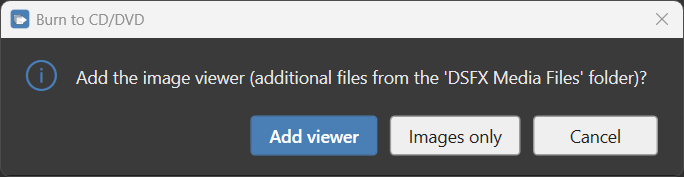
DSFX Send can receive an exam back onto a workstation and burn it to CD/DVD, and it will prompt the user if they want to copy the contents of the media folder onto the disc. If you want a DICOM viewer to run from the disc, you supply the viewer software yourself and place its files in this folder:
.\Resources\DSFX Media Files
Put the viewer’s launcher (for example an Autorun.exe and supporting files) and its program folder inside that folder. When a user burns a disc, DSFX Send offers to include the folder’s contents on it.
Prerequisites for a burning workstation — the user must:
- Have a local CD burner on their computer.
- Have their hostname set up as a remote device in the PACS (and therefore in
dsfx_destinations.csv). - Have a static or reserved IP.
Tip — no burner needed. Even without a CD burner, you can set up a user’s computer this way so they can download selected series to their hard drive — for registry uploads, and so on.
For how receiving and burning work in detail, see Receiving & burning CD/DVD.