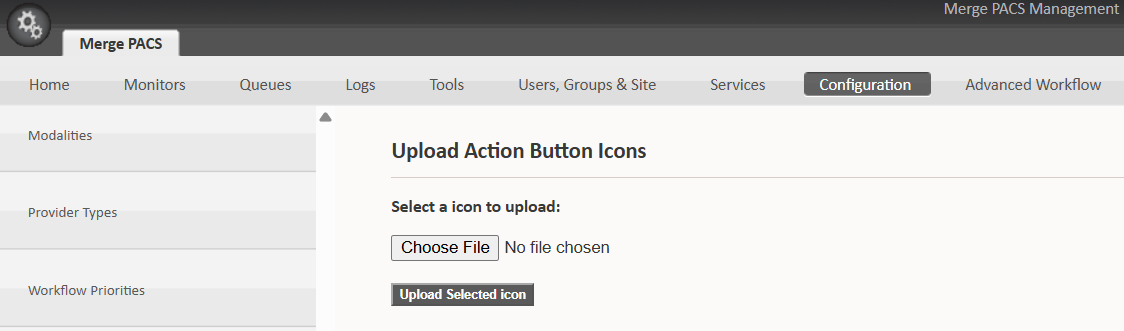
These icons are for the macro button you create in the next step (the Worklist Action button has a different icon set — see the Worklist Action button).
- Download the Merge RPACS button images: the 38×38 PNG and the 50×50 PNG.
- In Merge, import them under Management Pages → Configuration → Custom Action Icons.
- Use the 38×38 image for a button on the Study or Series toolbar, or the 50×50 image for a button on the Application toolbar.


Heads-up. You have to exit and restart PACS before the new icons appear in the list to choose from.